# Terraform runpod openclaw [dev setup]
- Canonical URL: https://leandeep.com/terraform-runpod-openclaw-dev-setup/
- Author: Olivier Eeckhoutte
- Published: 2026-03-02T18:15:00Z
- Updated: 2026-03-02T18:15:00Z
- Language: fr
- Tags: OpenClaw, AI, Terraform, Machine Learning
- License: CC BY-NC 4.0 (https://creativecommons.org/licenses/by-nc/4.0/)
## 1. Installer Terraform sur macOS
```
brew tap hashicorp/tap
brew install hashicorp/tap/terraform
terraform --version
```
## 2. Obtenir une clé API RunPod
Rendez-vous sur https://www.runpod.io/console/user/settings
Sectionnez `API Keys` `→` `Create API Key (permissions Read/Write)`
Copiez la clé et exportez-la:
`export RUNPOD_API_KEY="rp_xxxxxxxxxxxxxxxxxxxxxxxx"`
## 3. Fichiers Terraform
Créez un dossier openclaw-runpod/ et place-y ces 3 fichiers:
`vim openclaw-runpod/variables.tf`
```
variable "runpod_api_key" {
description = "RunPod API key"
type = string
sensitive = true
default = ""
}
variable "ssh_public_key" {
description = "SSH public key for secure access"
type = string
}
variable "pod_name" {
description = "Name of the RunPod pod"
type = string
default = "openclaw"
}
```
`vim openclaw-runpod/main.tf`
```
terraform {
required_providers {
runpod = {
source = "decentralized-infrastructure/runpod"
version = "1.0.1"
}
}
}
provider "runpod" {}
resource "runpod_pod" "openclaw" {
name = var.pod_name
image_name = "runpod/pytorch:2.1.0-py3.10-cuda11.8.0-devel"
gpu_type_ids = [
"NVIDIA RTX A4000",
"NVIDIA RTX A4500",
"NVIDIA GeForce RTX 3090",
"NVIDIA GeForce RTX 4070 Ti",
"NVIDIA GeForce RTX 4080",
"NVIDIA RTX A5000",
"NVIDIA L4",
"NVIDIA GeForce RTX 4090",
"NVIDIA A40",
]
gpu_count = 1
interruptible = false
cloud_type = "COMMUNITY"
support_public_ip = true
container_disk_in_gb = 30
volume_in_gb = 30
volume_mount_path = "/workspace"
ports = ["22/tcp"]
env = {
PUBLIC_KEY = var.ssh_public_key
JUPYTER_PASSWORD = "disabled"
OPENCLAW_GATEWAY_TOKEN = var.gateway_token
OPENCLAW_GATEWAY_BIND = "loopback"
OPENCLAW_GATEWAY_PORT = tostring(var.gateway_port)
GOG_KEYRING_PASSWORD = var.gog_keyring_password
}
docker_start_cmd = [
"bash", "-c",
join(" && ", [
"mkdir -p /root/.ssh",
"echo $PUBLIC_KEY > /root/.ssh/authorized_keys",
"chmod 700 /root/.ssh",
"chmod 600 /root/.ssh/authorized_keys",
"service ssh start",
"mkdir -p /workspace/.openclaw/workspace",
"ln -sfn /workspace/.openclaw /root/.openclaw",
"curl -fsSL https://deb.nodesource.com/setup_22.x | bash -",
"apt-get install -y -qq nodejs socat",
"npm install -g --ignore-scripts openclaw@latest",
"openclaw gateway --bind $OPENCLAW_GATEWAY_BIND --port $OPENCLAW_GATEWAY_PORT --allow-unconfigured",
])
]
}
```
`vim openclaw-runpod/outputs.tf`
```
output "pod_id" {
description = "RunPod Pod ID"
value = runpod_pod.openclaw.id
}
output "pod_cost_per_hr" {
description = "Cost per hour"
value = runpod_pod.openclaw.cost_per_hr
}
output "pod_public_ip" {
description = "Public IP (use for SSH)"
value = runpod_pod.openclaw.public_ip
}
```
## 4. Lancer le déploiement
```
cd openclaw-runpod
# Initialiser Terraform
terraform init
# Prévisualiser ce qui va être créé
terraform plan -var="ssh_public_key=$(cat ~/.ssh/id_ed25519.pub)"
# Créer le pod
terraform apply -var="ssh_public_key=$(cat ~/.ssh/id_ed25519.pub)"
```
## 5. Se connecter et utiliser OpenClaw
```
# Récupérer l'IP publique
terraform output pod_public_ip
# SSH avec tunnel pour accéder à OpenClaw en local de façon sécurisée
ssh -L 3000:localhost:3000 root@
# Une fois connecté au pod :
openclaw setup
openclaw health
```
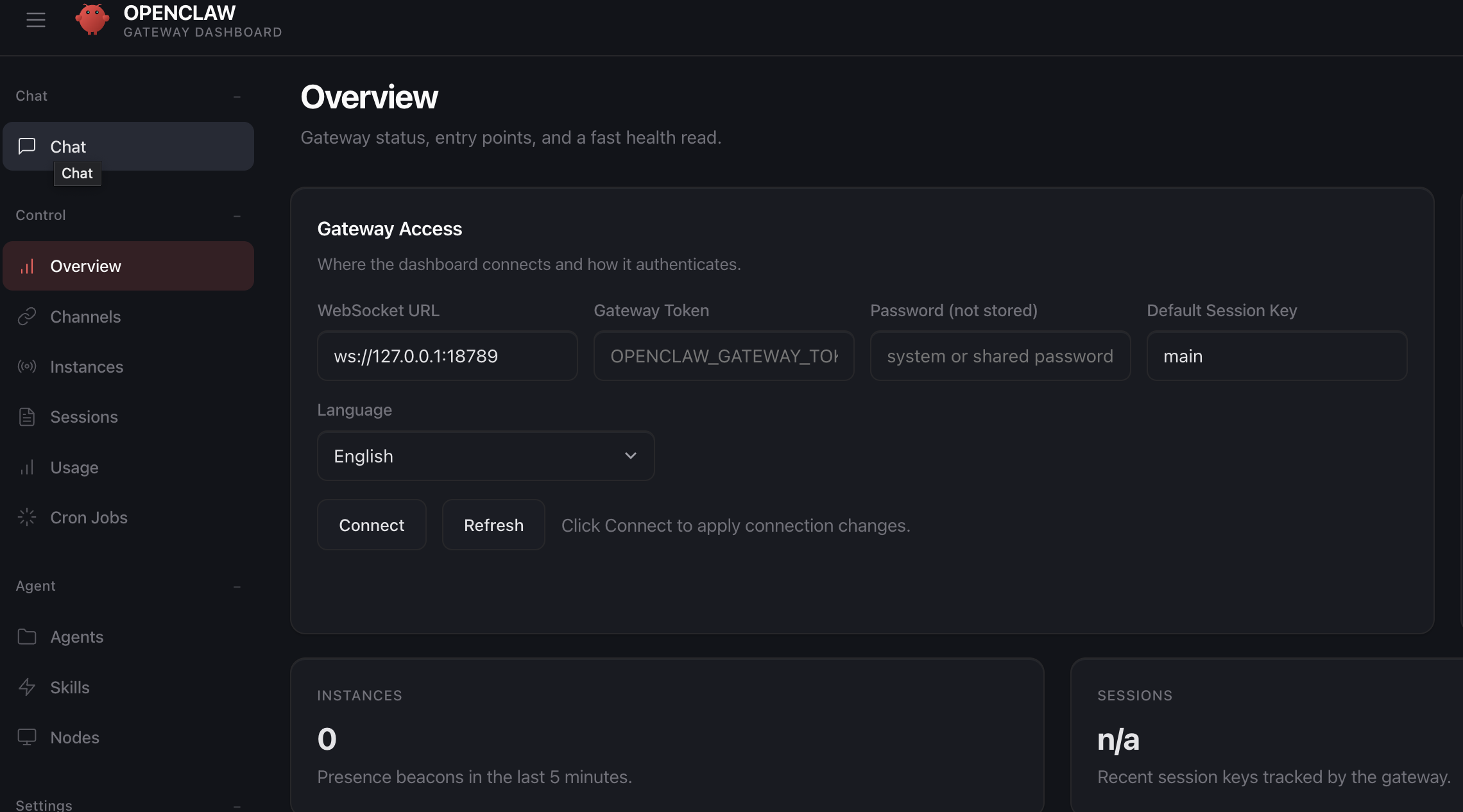
OpenClaw sera accessible à `http://localhost:3000`
## 6. Détruire le pod
```
terraform destroy -var="ssh_public_key=$(cat ~/.ssh/id_ed25519.pub)"
```